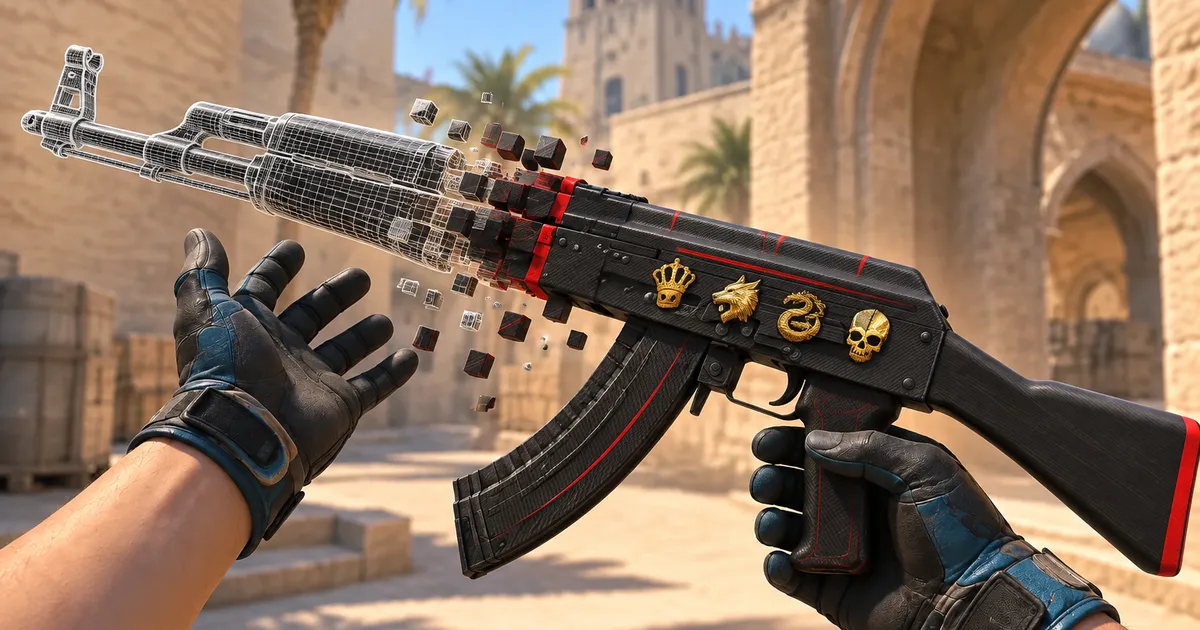
How to use a CS2 gen command
A gen command describes one weapon: its skin, wear, pattern and stickers. Paste it on a community server that supports it, or paste it into SkinsViewer to open the craft in the builder.
What a gen command looks like
!gen 7 282 661 0.2154 37 0 37 0 37 0 37 0 0 0
In order: the weapon id (7 is the AK-47), the paint id (282 is Redline), the pattern seed, the float, then a sticker id and its scrape for each of the five sticker slots. A 0 0 pair leaves a slot empty. Here four Crown (Foil) stickers sit in the first four slots, unscraped, and the fifth slot is empty. Some servers also accept !g as a short form.
Where it works
- Copy the command from the export panel in the builder.
- Join a community server that offers the gen command.
- Paste it in chat. The server gives you the weapon for that session.
Official matchmaking servers do not support gen commands. The server places every sticker at its slot's default spot and has no StatTrak, so a sticker you moved or turned lands back on its default spot. To see a craft exactly as you built it, in your own game client and without a server, use the inspect link instead.
Inspect links
A masked inspect link holds the whole item inside it, stickers placed exactly as you set them, and opens in your own CS2 client with no server or bot. A link that holds only an item id needs a lookup through a Steam bot, which SkinsViewer does not do. How CS2 inspect links work
Gen command or inspect link
| Gen command | Inspect link | |
|---|---|---|
| Opens in | A community server | Your CS2 client, inspect view |
| Carries | Skin, float, seed, stickers and their scrape | The same, plus StatTrak and sticker position and rotation |
| Sticker placement | Slot defaults only | Exactly as placed |
| Paste into SkinsViewer | Yes | Yes, when the link holds the whole item |
Copy them from a craft
Every craft in the builder has an export panel with both forms and a share link. The share link opens the same craft on SkinsViewer for anyone, and nothing is stored: the whole craft lives in the link. When a sticker in the craft has been moved, turned or put in the fifth slot, the export says so next to the gen command, because the command cannot carry it.
Going the other way, paste a gen command or an inspect link into SkinsViewer and the builder opens the skin, wear, seed and stickers it describes. From a gen command the stickers sit at their slot defaults; from an inspect link they keep their placement.
Try it in the builder: pick a skin
More guides
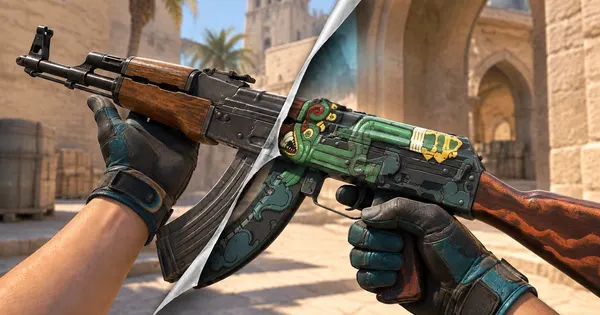 How to make a CS2 sticker craftSlots, placement, rotation and scrape, with crafts to open in 3D
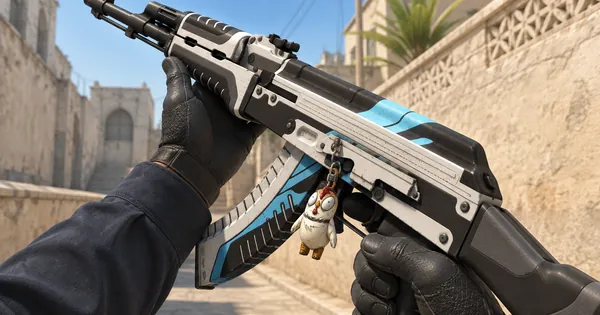 CS2 charms: patterns and pricesWhich guns take a charm, what the pattern number changes and what a charm adds to a craft
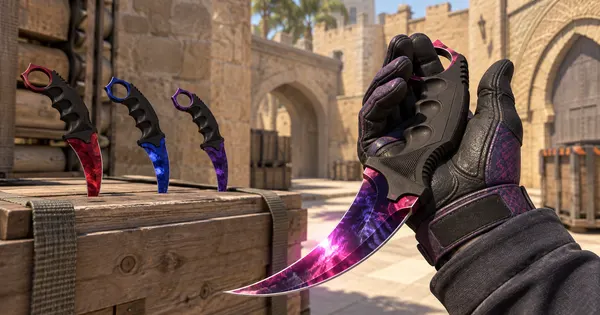 CS2 Doppler phases explainedPhases 1 to 4, Ruby, Sapphire, Black Pearl and the Gamma Doppler phases side by side
 Case Hardened patterns and blue gemsHow the pattern seed moves the blue, gold and purple, and how to read a blue gem
 CS2 inspect linksWhat an inspect link holds, how to open one and how to make your own from a craft