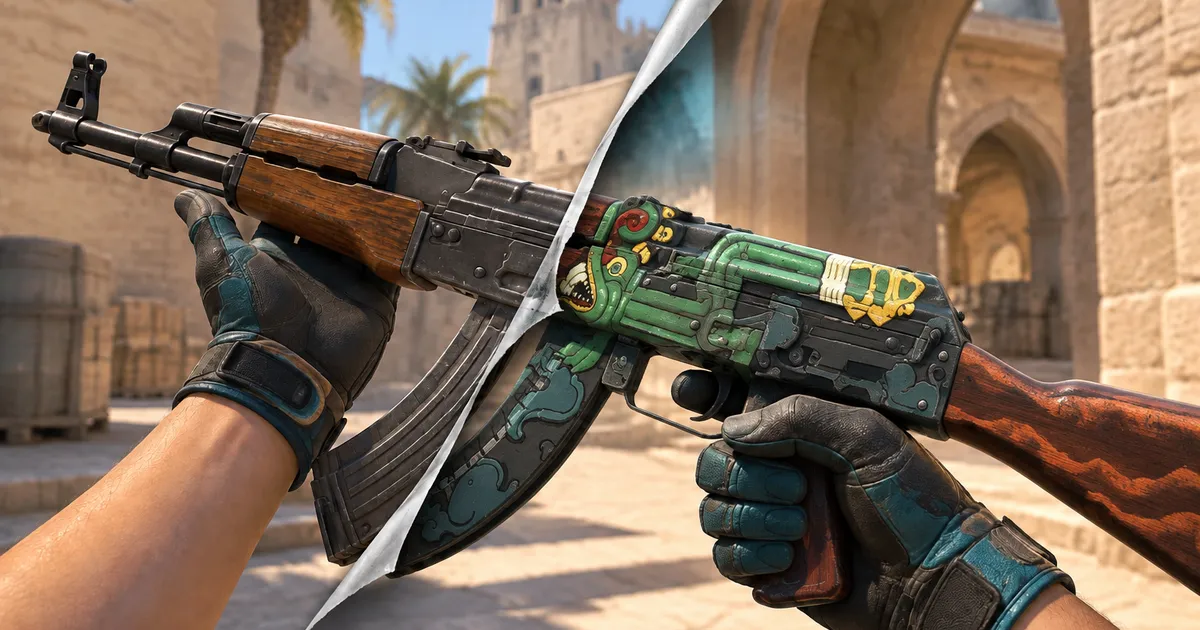
How to make a CS2 sticker craft
A sticker craft is a skin and a set of stickers picked and placed to work as one look. This guide covers the slots, moving, turning and scraping, choosing colours, the real cost and how to get the craft into CS2. Every step works in the SkinsViewer 3D builder, free, in your browser.
What a sticker craft is
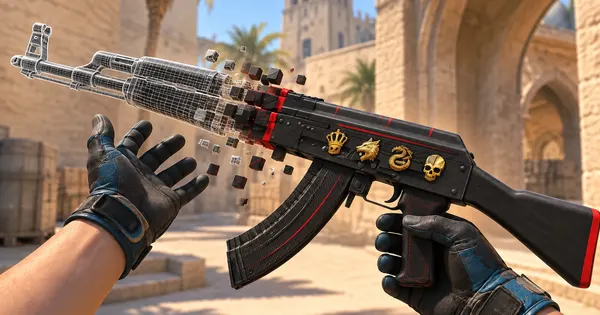
Stickers in CS2 go on guns, and a craft is a set of them chosen together: four copies of one sticker in a clean row, stickers in the skin's own colours, or stickers placed to draw something new onto the art. On the M4A4 Temukau, the Power Up craft places four cheap stickers on the character, so her eyes glow and she holds lightning in one hand and a flame in the other.
Planning matters because a sticker you apply stays on that weapon. You cannot peel it off and keep it, and scraping it away destroys it. So most people try the look first and buy the parts after.
Sticker slots on each gun
Every rifle, pistol, SMG and heavy weapon has four marked slots. Since the A Call to Arms update on 6 February 2024, CS2 also lets you place stickers where you choose and turn them, and every weapon takes up to five.
- Slots 1 to 4
- Each starts on a default spot set by the gun's model. You can move it, but only inside that slot's own area.
- Slot 5
- In CS2 since February 2024. A few guns, such as the M4A1-S, USP-S and Desert Eagle, give it a spot of its own; on the rest it goes anywhere on the gun's sticker area. The builder does not offer it yet.
The builder offers the four marked slots for now. A link that carries a fifth sticker opens without it, and the builder tells you what it left out.
Build one step by step
Pick a skin
Search a skin or browse every gun. The builder sits on each skin page, with the wear, float, pattern seed and StatTrak in the Skin panel. On pattern skins the seed changes the art, which the Case Hardened guide shows in detail.
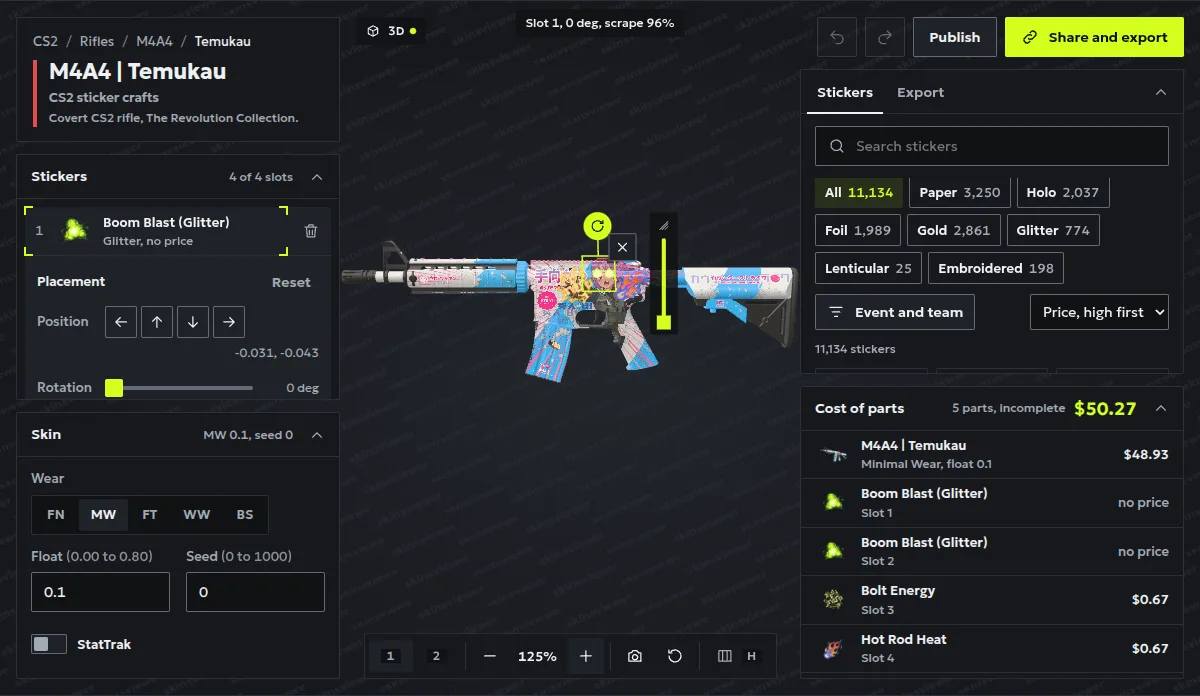
The builder on the M4A4 Temukau with the Power Up craft, in 3D. Add stickers
Pick from the sticker list on the right. Filter it by finish (paper, holo, foil, gold, glitter, lenticular, embroidered) or by event and team, and sort it by price. A pick goes into the selected slot when it is empty, otherwise into the first empty one.
Move, turn and scrape
Select a sticker and a frame appears on the model. Drag the sticker to move it, or nudge it with the arrow keys; it stops at the edge of the area the game allows. Drag the round handle to turn it, or press the handle to step 15 degrees. The bar beside it sets the scrape.
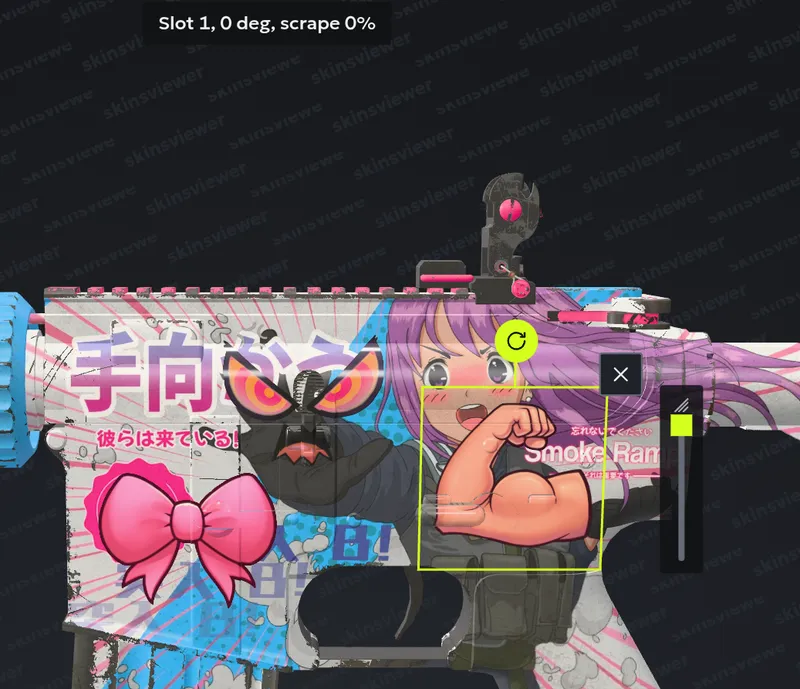
The editing frame: rotate handle on top, remove at the corner, scrape bar at the side, slot and values above. The same controls sit in the Stickers panel: position buttons, rotation from 0 to 359 degrees in 1 degree steps and scrape from 0 to 100% in 1% steps. Moving, turning and scraping need the 3D view; on a phone, tap View in 3D first.
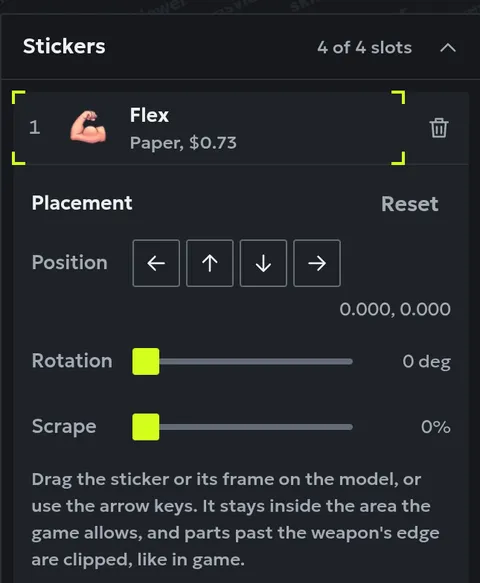
Placement controls for the selected slot. Check the cost
Cost of parts lists the skin at your float's wear and every sticker, with a total. See what a craft costs below.
Share it or take it into the game
Share and export gives you a share link, an inspect link and a gen command. Undo and redo cover every edit, so try things freely.
The inspect link in the Export tab, with Copy and Open in CS2.
How scrape looks
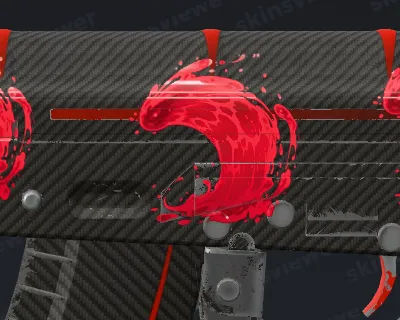
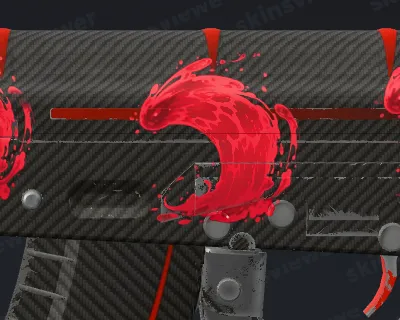
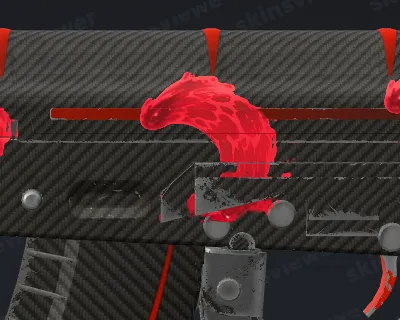
Scrape wears a sticker down until it is gone. In CS2 each scrape is final: there is no undo, and the last one removes the sticker for good. In the builder it costs nothing, so try a few levels before you scrape the real one.
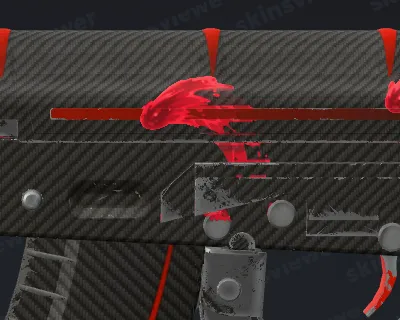
Stickers that match the skin
- Take two colours from the art. Koi Pond uses four Copenhagen holos that pick up the Temukau's blue and orange without hiding it.
- Repeat one sticker. Four copies in a row read as one clean line, like Lotus Glaze on the AK-47 Inheritance.
- Match the finish to the skin. Foil and gold sit well on a metallic or dark skin, paper on flat drawn art. Night Storm puts foil bolts on the dark AK-47 Midnight Laminate.
- Turn the model. Holo, foil and lenticular stickers change with the light, so look from a few angles in 3D before you settle.
- Keep the focal point clear. Stickers over the skin's main art often hide what made you pick it.
What a craft costs
A craft costs the skin at its wear plus every sticker on it, each copy counted, because each applied sticker is used up. Four of the same sticker cost four times its price.
| Part | Price | |
|---|---|---|
| AK-47 | Inheritance | Factory New, float 0.03 | $90.88 |
| Lotus (Glitter) | Slot 1 | $6.08 |
| Lotus (Glitter) | Slot 2 | $6.08 |
| Lotus (Glitter) | Slot 3 | $6.08 |
| Lotus (Glitter) | Slot 4 | $6.08 |
| Total | $115.20 |
Take it into CS2
An inspect link holds the whole craft, placement included. Open in CS2 starts the game and shows the gun in the inspect view, exactly as you built it, with no server.
A gen command works on community servers that support it. It carries the stickers and their scrape but puts every sticker on its slot's default spot, so a sticker you moved or turned lands back where it started.
To make it for real, get the skin and the stickers, then apply each sticker from your inventory. The game's sticker screen lets you place, turn and zoom before you confirm, so match it to your build, and scrape last.
Starter crafts to open
Each one opens in the builder, ready to change. Prices are the cost of parts at the craft's own float.
M4A4 | Temukau sticker crafts
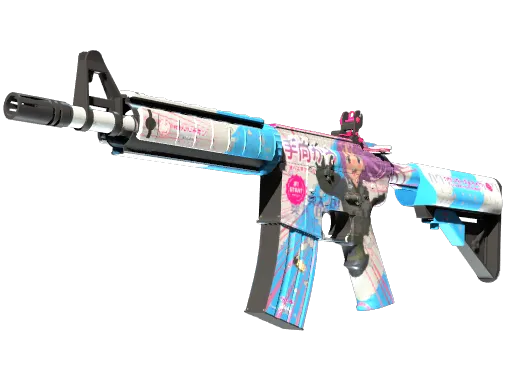


 Power UpTwo scraped glitter blasts turn the agent's eyes into glowing lights, with a lightning ball in one hand and a flame in the other. Four cheap stickers, placed to tell one story.Cost of parts$48.04 CuratedSkinsViewer
 Koi PondFour KOI holos turned on their side run down the handguard as one printed strip, in the same blue as the Temukau art.Cost of parts$116.66 CuratedSkinsViewer
AK-47 | Inheritance sticker crafts
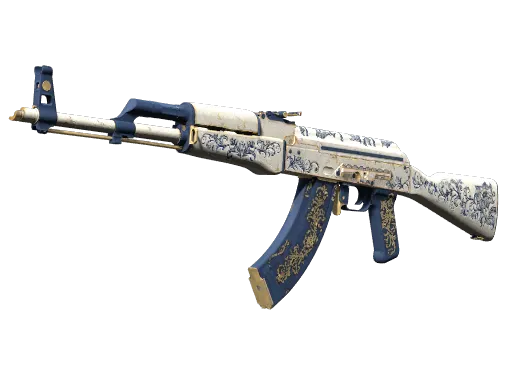
 Lotus GlazePink glitter lotuses on porcelain blue and white, like a painted vase with a flower pressed into it. Matching all the slots keeps it clean.Cost of parts$115.20 CuratedSkinsViewer
 Great WaveA Japanese wave print on a Delft-style finish. Both lean into the same blue-and-white ceramic look.Cost of parts$141.04 CuratedSkinsViewer
AK-47 | Midnight Laminate sticker crafts
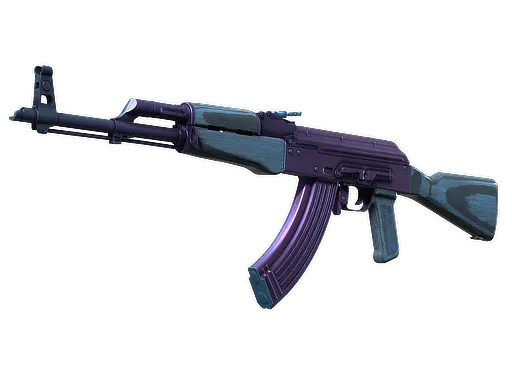


 Night StormFoil bolts placed end to end make one lightning strike across the purple receiver. It is one of the cheapest crafts that still reads from across a room.Cost of parts$18.47 CuratedSkinsViewer
 MedusaThree foil serpents placed as hair over a pair of holo eyes turn the receiver into a Medusa portrait.Cost of parts$34.77 CuratedSkinsViewer
Aggregated market price, updated . A part with no price marks the total incomplete.
More starter crafts on AK-47 | Redline, AWP | Asiimov, M4A1-S | Printstream, USP-S | Kill Confirmed, Glock-18 | Fade and Desert Eagle | Blaze.
More guides
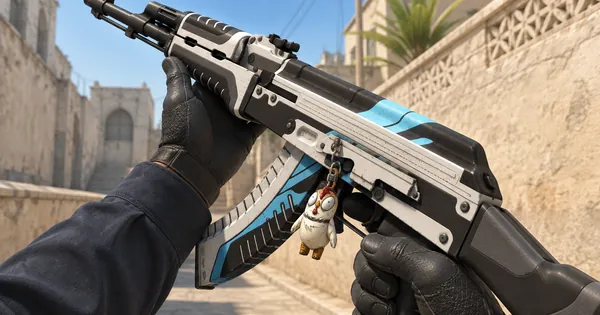 CS2 charms: patterns and pricesWhich guns take a charm, what the pattern number changes and what a charm adds to a craft
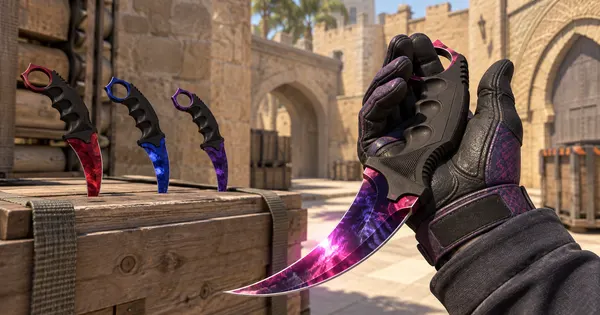 CS2 Doppler phases explainedPhases 1 to 4, Ruby, Sapphire, Black Pearl and the Gamma Doppler phases side by side
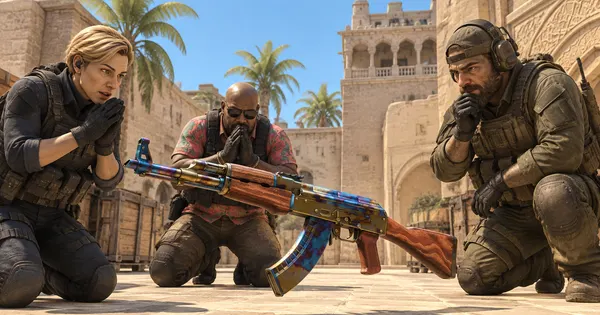 Case Hardened patterns and blue gemsHow the pattern seed moves the blue, gold and purple, and how to read a blue gem
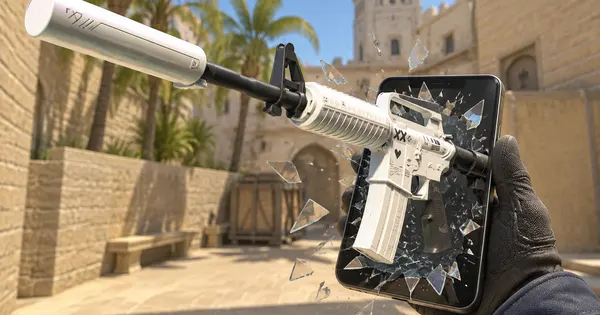 CS2 inspect linksWhat an inspect link holds, how to open one and how to make your own from a craft
 How to use a CS2 gen commandWhere it works, what it carries and how it differs from an inspect link