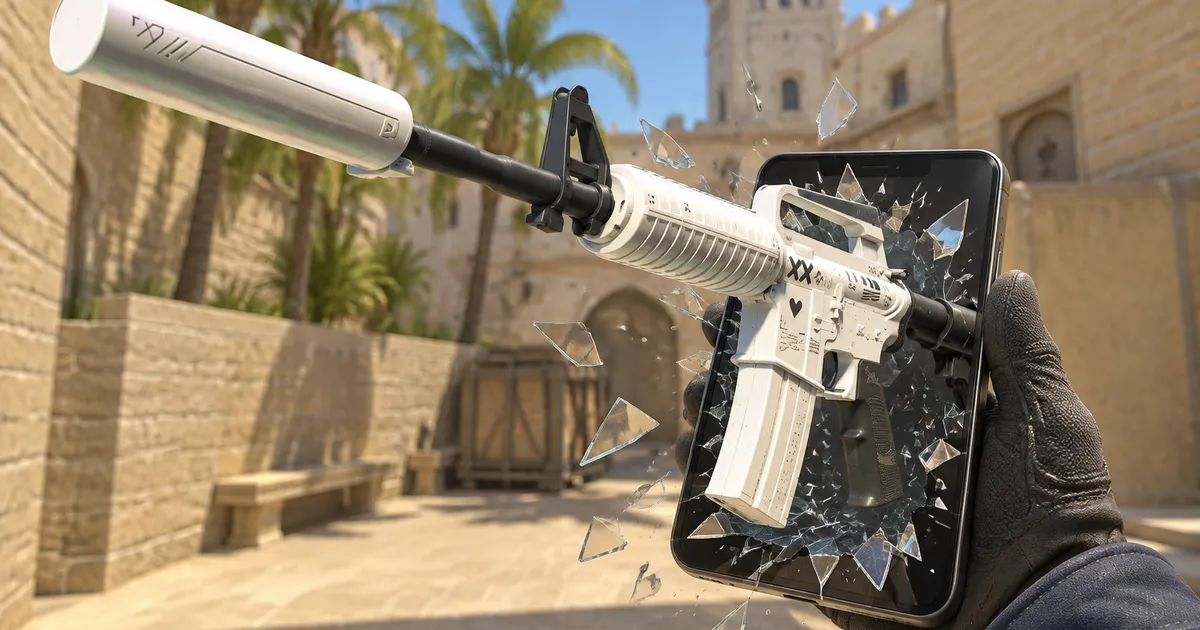
CS2 inspect links: how to open, make and share them
An inspect link opens a CS2 item in the game's inspect view, so you can turn it and look at it up close. This guide explains what is inside one, how to open it, and how to make your own from a sticker craft in SkinsViewer. No inspect server and no bot needed.
Try one now
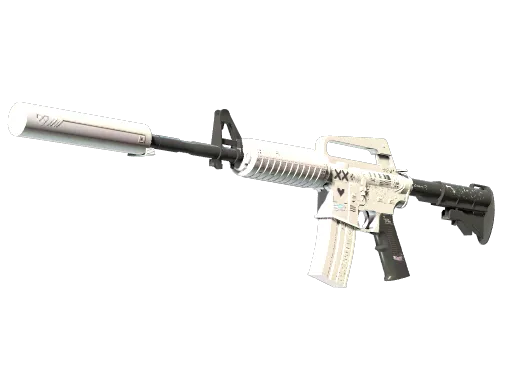
steam://run/730//+csgo_econ_action_preview%2000183C20D8073004388F85D7E70340006205080010DA336205080110DA336205080210DA336205080310DA33C329158A
What an inspect link is
An inspect link is a steam:// link. Instead of a web page, it asks Steam to start CS2 and run one command: show this item in the inspect view. It is how the Inspect in Game button in a Steam inventory works, and it is how you can share a weapon you built without owning it.
There are two kinds. A masked link carries the whole item inside it: the skin, the float, the pattern seed, StatTrak and every sticker with its slot, position, rotation and scrape. CS2 reads all of that straight out of the link. An id-only link carries just the numbers of an item in someone's inventory or on the market, and the details have to be looked up through a Steam bot before anything can show them.
Since March 2026, the links Steam gives out for inventory and market items are masked too. Id-only links still turn up when they were copied before that.
Which link do I have?
| It looks like | What it is | In SkinsViewer |
|---|---|---|
...csgo_econ_action_preview%20 then one long code of digits and the letters A to F | A masked link: the whole item is inside | Paste it and it opens in the builder |
...csgo_econ_action_preview%20 then S or M, A and D, each with a long number | An id-only link from an inventory or the market | Refused: it needs a Steam bot lookup, which SkinsViewer does not do |
!gen 7 282 661 0.2154 and more numbers | A gen command, not a link | Paste it too. How gen commands work |
Anatomy of a masked link
Every masked link has the same prefix, then a payload that is the item itself, written as hexadecimal: pairs of the digits 0 to 9 and the letters A to F, one pair per byte. Here is the example link from the top of this page, taken apart.
The item data in the middle is a small protobuf record, the format CS2 uses for its own item messages. It holds:
- the weapon and paint ids (for this example, 60 is the M4A1-S and 984 is Printstream);
- the quality: normal, StatTrak, or the star quality of knives and gloves;
- the float, stored exactly as the game stores it, and the pattern seed;
- for a StatTrak item, the kill counter, at zero;
- one entry per sticker: its slot and sticker id, plus its scrape, its rotation in degrees and how far it sits from the slot's default spot, whenever those are not zero.
Links from Steam can use a key byte other than 00, which scrambles every byte after it. SkinsViewer writes 00, which leaves them as they are. CS2 and the paste dialog read both.
How to open an inspect link
You need CS2 installed through Steam on the computer you open it on.
- From a browser. Click the link, or paste it into the address bar and press Enter. The browser asks if it may open Steam. Allow it, and Steam starts CS2 and shows the item in the inspect view.
- From Steam. In an inventory or on the market, the Inspect in Game button is an inspect link. Right click it and copy the link address to share it.
- From SkinsViewer. Open in CS2 sits next to the inspect link in the builder's export and in the example above. On a phone it is hidden, because the game runs on a computer.
With a masked link, nothing in between looks the item up: CS2 builds it from the link alone. That is why a craft you built here can open in your own game even though nobody owns that exact weapon.
Make one from a craft
- Open any skin from the CS2 skin catalog and build your craft: stickers, placement, rotation, scrape, wear and seed.
- Press Share and export and open the Export tab.
- Under Inspect link, press Copy, or Open in CS2 to see it in game right away.
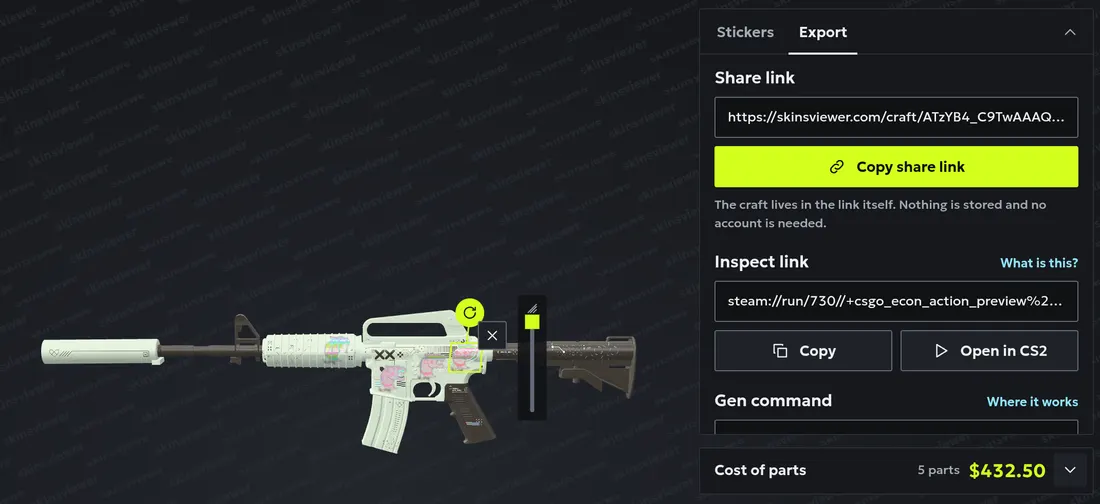
The link is made in your browser from the craft itself. Nothing is stored and no account is needed, so you can copy as many as you like.
Paste one into SkinsViewer
Press Paste code in the header on any page and paste a masked link. SkinsViewer reads it right there in your browser and shows the skin, wear, float, seed and number of stickers it found. Press Open in builder to see the craft in 3D, stickers placed where the link puts them.
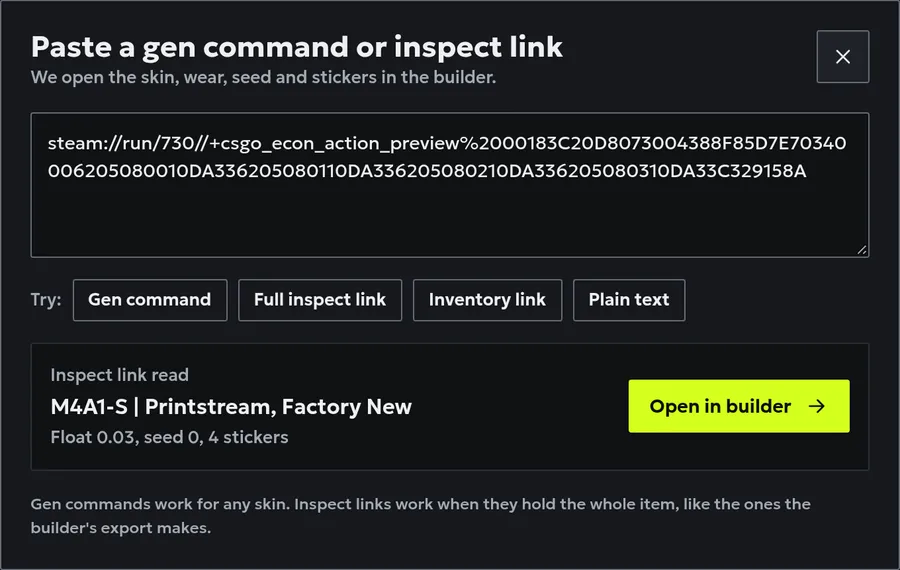
The dialog accepts the link with or without the steam:// start, with a space or %20 before the code, and in lower case. A link whose checksum does not match is refused as damaged, and an id-only link is refused with what to paste instead.
Known limits
- A few stickers show nothing. Some sticker kits exist in the game but render blank through an inspect link. We keep a list from in-game checks, and the builder names any of them in your craft before you copy the link. The share link and the 3D view still show them.
- No sticker size. A link does not carry sticker scale, because CS2 ignores it. Every sticker shows at its normal size.
- Small rounding. A pasted link opens with rotation in whole degrees and scrape in steps of 0.01, the same steps the builder uses.
- Only what a craft holds. Anything else a pasted link carries is skipped.
- Computer only. Opening a link needs CS2, so it works on a computer with the game, not on a phone.
Inspect link or gen command
A gen command is a line you paste in chat on a community server that supports it, and the server gives you the weapon for that session. It carries the skin, float, seed and stickers with their scrape, but every sticker lands on its slot's default spot and there is no StatTrak. An inspect link opens in your own game with every sticker exactly where you placed it. The builder exports both. How to use a CS2 gen command
More guides
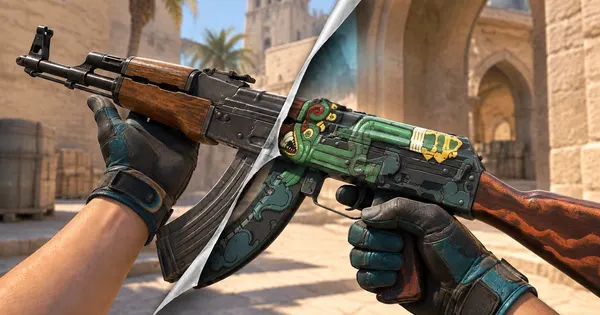 How to make a CS2 sticker craftSlots, placement, rotation and scrape, with crafts to open in 3D
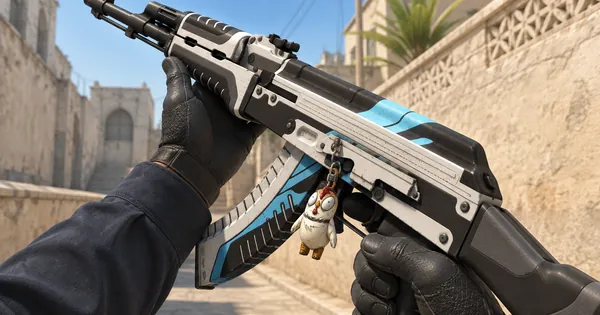 CS2 charms: patterns and pricesWhich guns take a charm, what the pattern number changes and what a charm adds to a craft
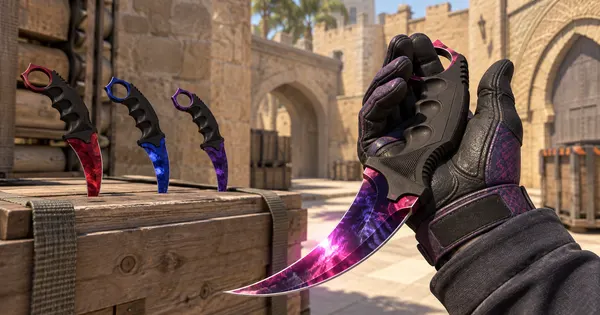 CS2 Doppler phases explainedPhases 1 to 4, Ruby, Sapphire, Black Pearl and the Gamma Doppler phases side by side
 Case Hardened patterns and blue gemsHow the pattern seed moves the blue, gold and purple, and how to read a blue gem
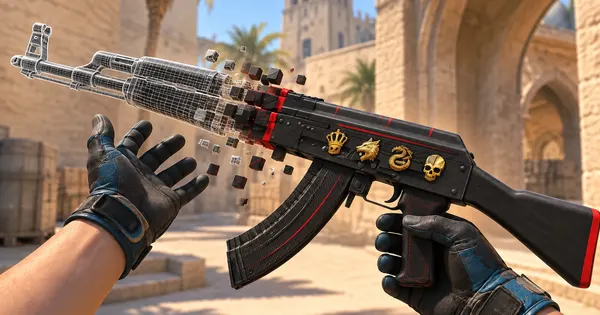 How to use a CS2 gen commandWhere it works, what it carries and how it differs from an inspect link